WallFetch
 December 11, 2025


nextjs
github-api
tailwindcss
WallFetch
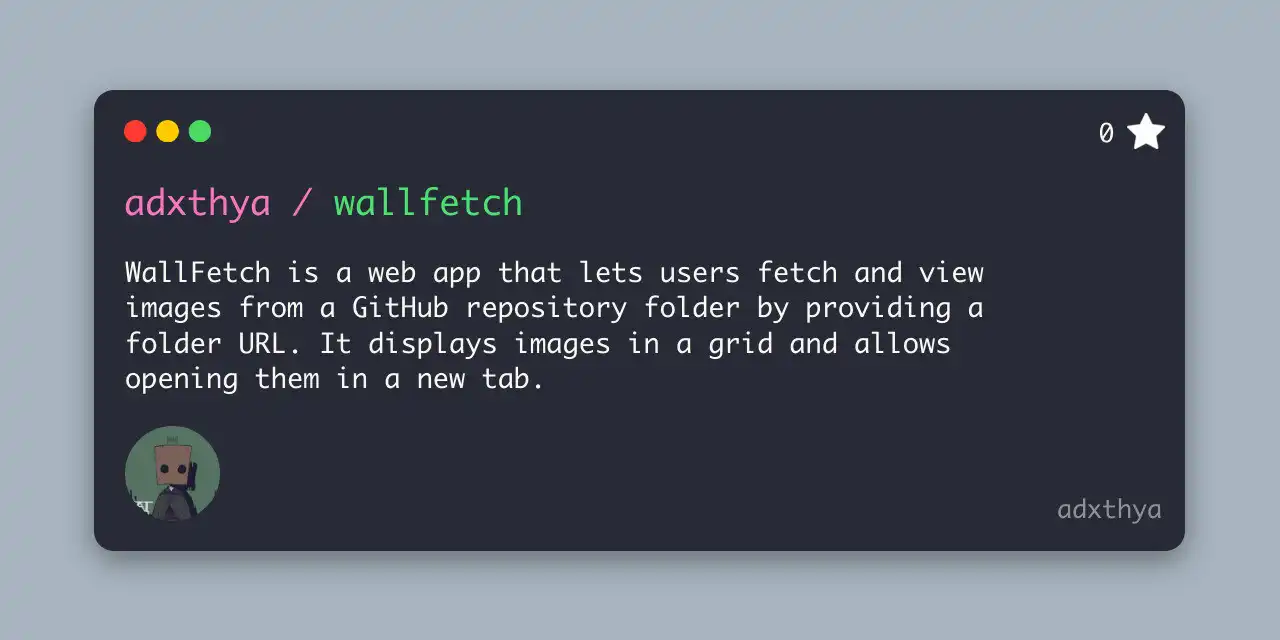
WallFetch is a web application built to make browsing image collections inside any public GitHub repository folder effortless.
Instead of downloading a repo or navigating through raw GitHub file lists, users simply drop a folder URL into the app and instantly see all images rendered in a clean, responsive grid. Clicking any image opens it in a new tab for inspection, download, or presentation.
Tech Stack & Architecture
WallFetch layers commonly used technologies to create a smooth experience:
Next.js (React Framework)
Next.js provides the structure for server-side rendering, routing, and API integration. When a user enters a GitHub folder URL, a lightweight API call fetches the folder contents and extracts images for display.
GitHub API
The GitHub REST API is used to retrieve the repository folder contents. WallFetch parses the response to identify image assets (like .png, .jpg, .webp, etc.) and presents them cleanly.
Tailwind CSS
Tailwind powers the UI with responsive, utility-first styling. The grid layout, spacing, and hover interactions come together without heavy custom CSS, keeping the design consistent and minimal.
Key Features
1. Simple Image Fetching
Paste any GitHub repository folder URL and instantly see images in a grid — no cloning, no downloads required.
2. Responsive Grid Layout
WallFetch adapts to any screen size, ensuring images are easy to browse whether you’re on desktop, tablet, or mobile.
3. Quick Image Access
Click any thumbnail to open the full image in a new tab — useful for design previews, documentation, and quick reference.
4. Lightweight & Fast
Everything loads through GitHub’s API and runs client-side, making the experience fast and requiring no backend infrastructure of your own.
Conclusion
WallFetch turns GitHub image folders into beautifully presented galleries with zero setup. By combining Next.js, Tailwind, and the GitHub API, it solves a real pain point for developers and creators who need to quickly view or share visual assets stored in repositories. It’s a practical, focused tool that stays true to the ethos of simplicity, performance, and utility — ideal for anyone working with images in code projects.


